

Wound clinic management software
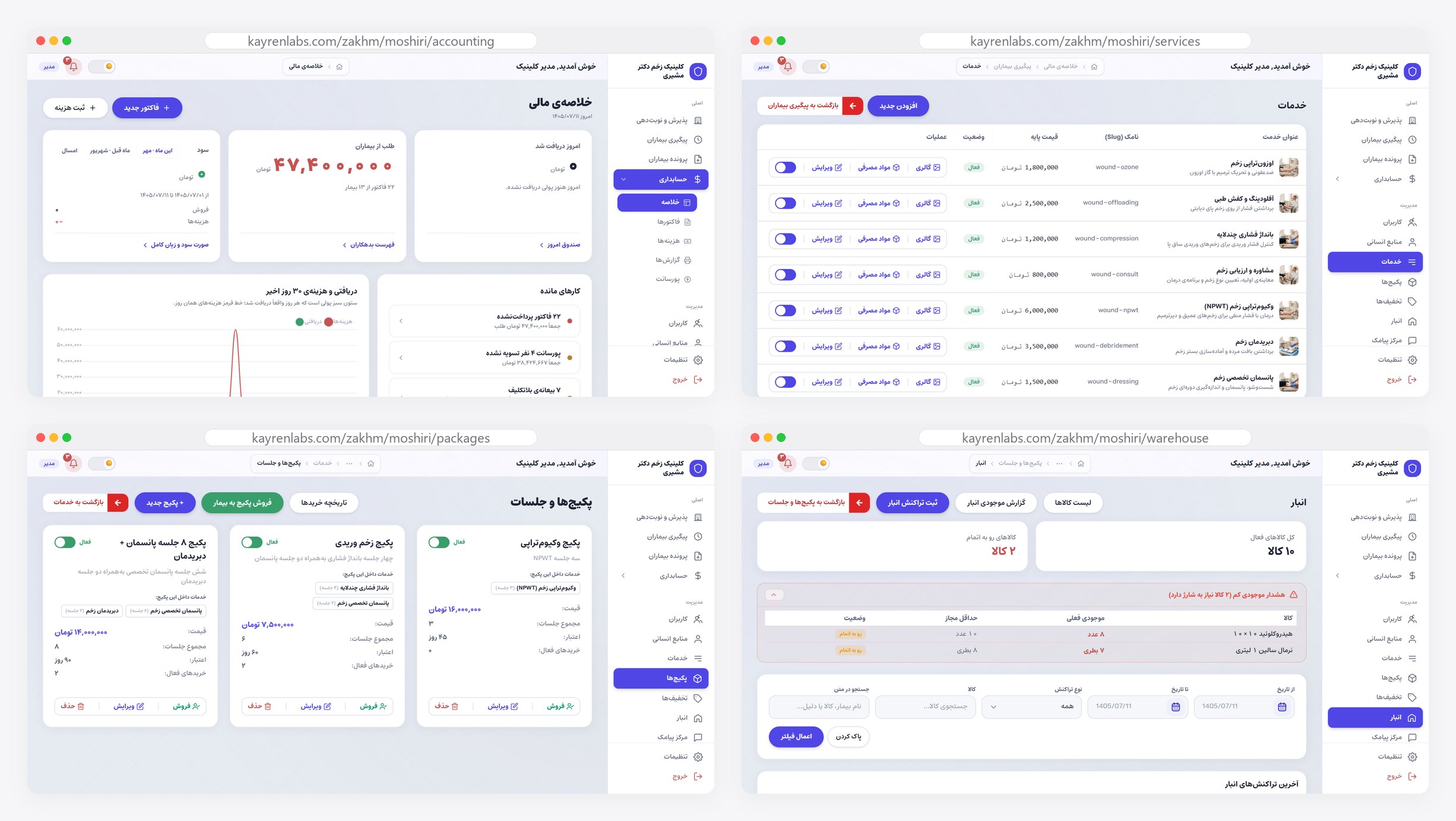
A specialist record for every wound, the size and a photo of every dressing with a healing chart, clinical alerts, next-dressing reminders and home visits, next to online booking, accounting, stock and a dedicated clinic website. The same edition in use today at the Urmia wound clinic of Dr. Moshiri / Sajjad Motallemzadeh.
A dedicated clinic website, under your own name and brand, comes with the product.
We set everything up in the clinic's own name and import your existing records; the domain is in your name, and you can take a full copy of the database whenever you want.

Every step is connected
Behind the scenes of every booking in Kayren Onyx — all steps run automatically, with no data entered twice.
-
1
The patient books
The patient sees the open slots on the clinic website and picks a time; signing in works with a mobile number and an SMS code.
-
2
Reception confirms
The booking is recorded on the reception screen; any move or cancellation is applied there and the patient is notified by SMS.
-
3
The nurse records the dressing
Wound size, wound bed, materials and a photo of every dressing are recorded straight into that patient's record, and the healing trend updates by itself.
-
4
Invoice and stock
The invoice is issued from the defined services; a session comes off any package, and dressing materials are deducted from stock.
What only the wound clinic edition has
The wound clinic edition is built for daily dressing work: a specialist record for every wound, the size and a photo of every dressing, and official consent forms for dressing, negative pressure therapy (NPWT) and compression bandaging. Aesthetic-only sections are hidden in this edition.
-
Records for 19 wound types
Diabetic foot ulcers with Wagner grade and a sensation test, pressure injuries with stage and Braden score, venous and arterial ulcers with ABI, burns, surgical wounds and more; each type shows only its own fields.
-
Photos and healing trend
Every dressing is logged with size, wound bed and a photo. The first and latest photos sit side by side, and a chart shows how much the wound has shrunk.
-
Clinical alerts
Uncontrolled diabetes, low ABI, neuropathy, blood thinners, antibiotic-resistant infection and dialysis show beside the patient's name before the dressing starts.
-
Next-dressing reminder
The patient gets an SMS a few days before the next dressing; if they already have a booking that day, no duplicate is sent.
-
Home visits
Home visits get their own tab and colour at reception, so they never mix with in-clinic appointments.
-
Commission for whoever dressed the wound
The booking is under the doctor's name, but the commission goes to the nurse or technician who did the dressing; package sessions earn commission too.
These parts are active in the wound clinic edition — the same edition running at Dr. Moshiri's wound clinic in Urmia (zakhmurmia.com).
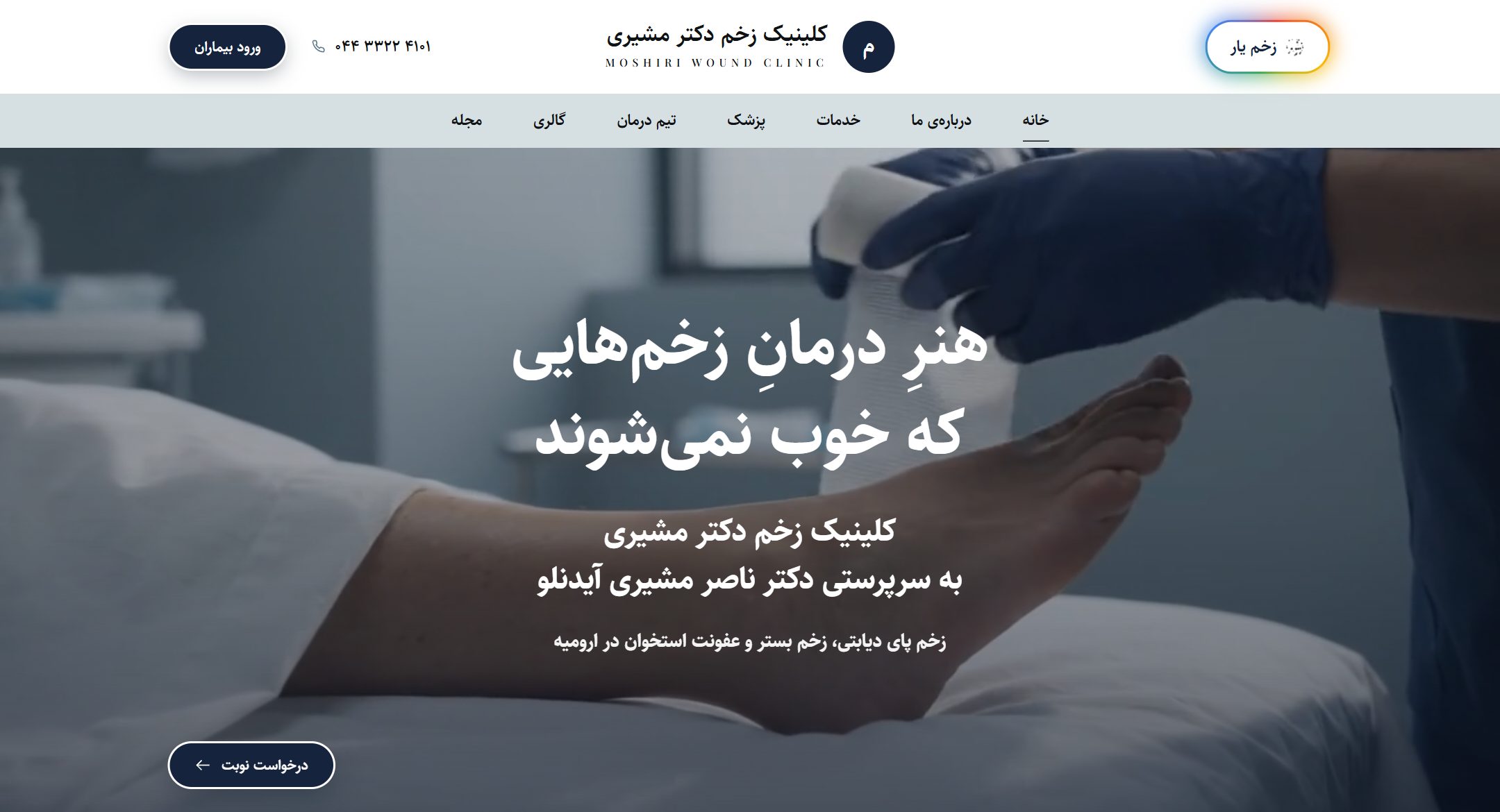
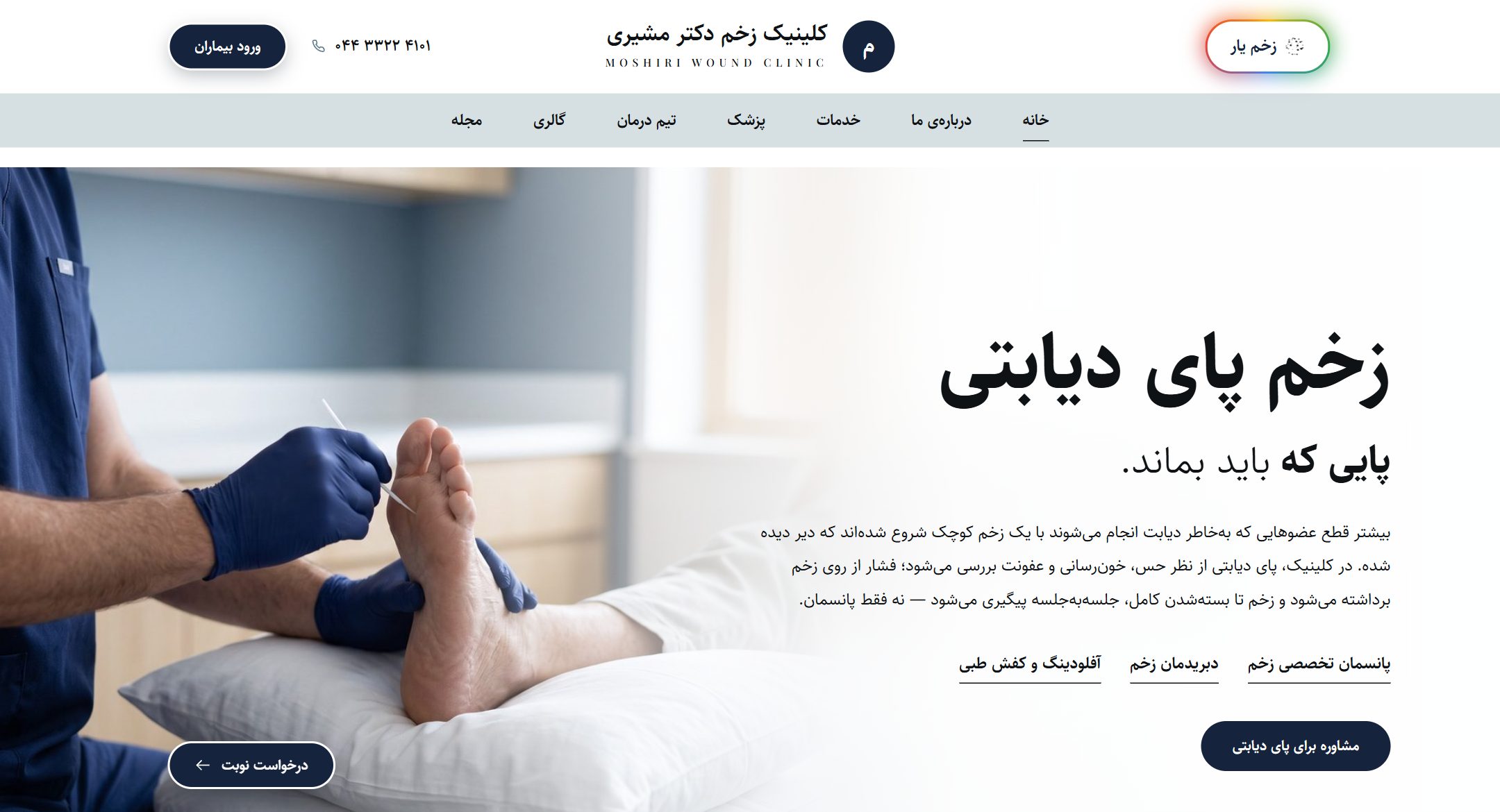
A full website for the clinic itself
The site your patients find in search and book through. Not a separate website — it is part of the product and managed from the same panel.
-
Services page
Every service with its description, the steps involved and its own work gallery. Show prices or keep them off — your call.
-
Online booking
The booking form sits on the same calendar as the panel. Patients see an open slot and take it.
-
Doctor and team
A page for the doctor and the clinical staff, with photos and background — what patients review before contacting you.
-
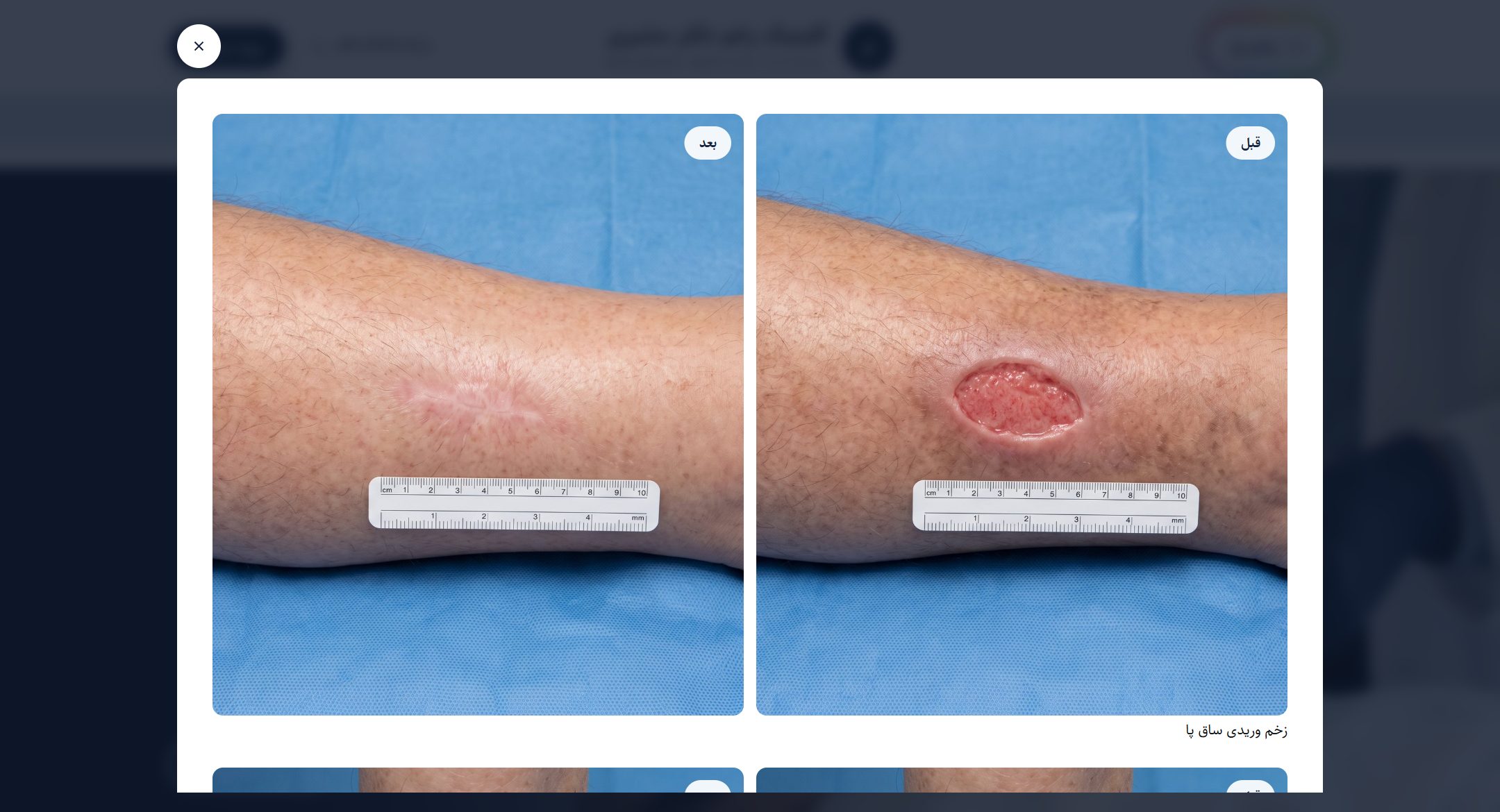
Before and after
A gallery of results, and you choose which photos go on the site and which never leave the record.
-
Blog
Write articles so the clinic climbs in search. Each article's title and description for search engines are set separately.
-
Patient reviews
Patients submit a review after their session; it is published only after manager approval.
-
AI assistant
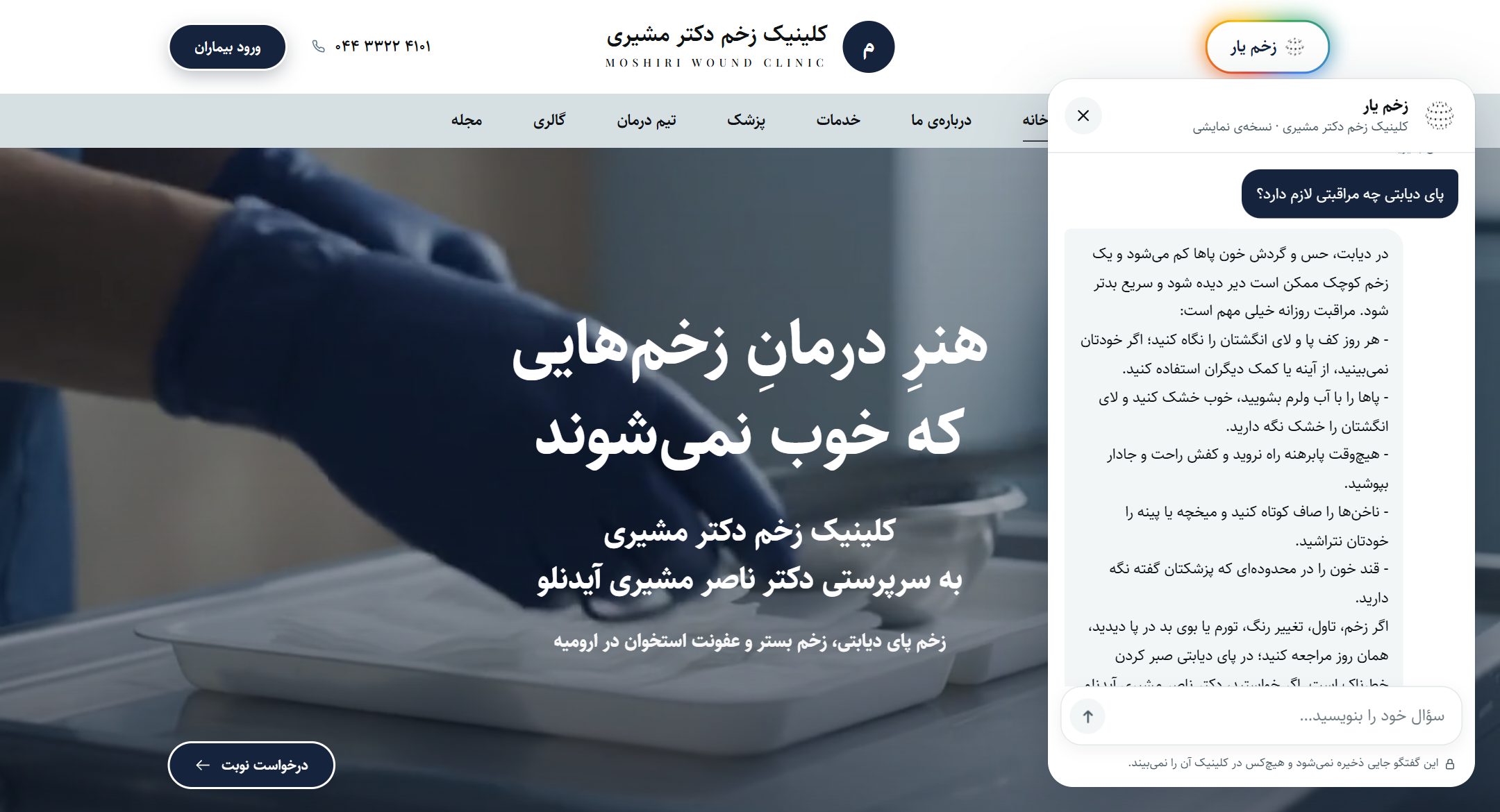
An AI trained on the clinic's information answers questions on the site around the clock and leads visitors to a booking.
The clinic updates all its own text, prices and photos from inside the panel — no change requires contacting us.
A trained AI on the clinic website
Someone with a question about a treatment at eleven at night should not have to wait until morning to call reception. The clinic's assistant — an AI trained on the clinic's own information and advice — answers with the name and tone you choose, and finishes by showing the way to book.
The assistant has no access to any record, booking or invoice, and conversations are not stored; mobile numbers, national IDs and card numbers are removed before sending. Emergencies get a fixed, safe reply, and it never replaces a doctor's visit. It is optional, and after setup you can switch it on or off at any time. In the trial, the assistant runs with sample questions and answers.
- Round-the-clock answers on services, opening hours, address and before/after care
- The clinic sets the assistant's name, welcome message, tone and answer length
- Quote prices or not — the clinic's choice
- The doctor's own advice for each treatment
- Per-visitor message quota and a monthly spending cap, set from the panel
- A test page in the panel before you switch it on for the website
Patients get their own account
Patients reach their information and services without calling reception.
Photos cannot be accessed by direct URL; on every view, the server verifies the viewer's identity and permission to see that record.
- Sign in with a mobile number and an SMS code
- Book and cancel appointments
- How the wound is shrinking, with the dressing photos
- Session history and completed payments
- Pay an invoice online
- Leave a review after a session
Everything inside the panel
Every feature in this list works today — no future promises.
-
-
Booking and reception
- Daily and weekly calendar per doctor
- Online booking from the clinic website
- Confirm, move or cancel, with a reason recorded
- A day-schedule board for reception
- Instant patient-file search as you type
- Walk-in check-in without a booking, matched by mobile or national ID
- Automatic updates of official holidays
- A call list for the next visit the doctor has set
-
Records and treatment
- Session notes under the patient's own name
- Wound records: wound type and grade, every dressing logged with size and wound bed, and the healing trend
- Clinical alerts (diabetes, ABI, blood thinners, dialysis) beside the patient's name
- Before/after photos behind an access check
- Documents and attachments
- Every past session on one page
- Print-ready consent forms for every treatment
- Printable patient file
- A separate dashboard for the doctor
-
Services and packages
- Services with price and duration
- Materials consumed per service
- Multi-session packages with automatic session deduction
- Sell, cancel and refund packages
- A work gallery per service
-
SMS
- Appointment reminder the day before
- After-care SMS after treatment
- Bulk messages to the patients you choose
- Sent under the clinic's name, with a delivery report for every message
-
Money and stock
- Invoices, payments and outstanding balance
- Appointment deposits, taken before the session
- Discounts and discount codes
- Online payment from the patient's dedicated page
- Cash drawer and end-of-shift settlement
- Stock with low-quantity alerts, plus batch numbers and expiry dates if you need them
- Income, expense, profit-and-loss, debtor and creditor reports
- Real profit per service, after materials and commission
- Excel and PDF export of reports
-
Staff
- Each doctor's booking hours on one weekly grid
- Staff attendance
- End-of-month payroll
- Staff commissions, each person seeing their own share in the panel
- Staff insurance in the payroll
- A separate role and access level per person
-
Administration
- Live alerts on important events for the manager
- Works on phones and tablets, not just computers
- Data import from your previous software or a spreadsheet, with a preview and a way to undo it
- User activity and change log
- Error log for quick diagnosis
- Database backups
- Updates from inside the panel, with a way back to the previous version
-
Personalisation and clinic branding
- The clinic's name on the panel; its name and logo on the website, invoices and SMS
- A website in the clinic's own colours, photos and visual identity
- Switch off unused sections so the menu shows only your work
- Every automatic SMS text is editable
- Invoices in A4, A5 or receipt size, with your own footer text
- Consent and session-note templates to the clinic's taste
- Loyal-patient (VIP) levels with your own names and colours
- Light and dark mode
From your old software, without starting over
The biggest worry when switching software is the data built up over the years. Kayren Onyx has a data import tool, and we do the move for you — before handover, at no extra cost. On day one your real clinic is in the panel, not an empty one.
Each patient's old file number is kept too, and the record can be found by it. If your data lives only on paper or in an appointment book, we do that data entry as well.
- Patient records, with allergies, conditions, medications and notes
- Remaining sessions on each patient's packages
- Each patient's debt or credit, without upsetting your revenue reports
- Future appointments, with the same doctor and service
- Photos and documents, matched to the right record by file number, national ID or mobile
- From a spreadsheet or your old software's export; Persian letters, digits and Jalali dates are read correctly
- A preview before anything is saved, duplicate detection, and a way to undo the whole import
Ten days in your own hands
No intro video, no slides — a complete, independent copy carrying your clinic's own name.
-
1
Sign up
Just a name, a mobile number and the clinic's name.
-
2
Your own copy
An independent copy is built for you; your data stays separate from every other user.
-
3
You pick where to look
Two areas at your disposal: the patient-facing website and the management panel. Inside the panel, the manager, reception and doctor roles are separate, and you can switch between them at any time.
-
4
Ten days
You have ten days to try everything; after that, the trial copy is fully removed and no data is kept from it.
The data in the trial is fictional and is not carried into the real copy. For the real start, your clinic's own copy is set up on servers that Kayren maintains, and we import your existing records — services, patients and session history.
What matters later on
-
We do the data import
Nobody on your team types in hundreds of records. Your service list and prices, your patients and their session history come across from a spreadsheet, your previous software or even the appointment book — before handover, at no extra cost. The first day you log in, your clinic is already in there.
-
Everything in the clinic's name
We handle the setup, but the domain and the data are yours. Each clinic has its own separate copy and database, kept on Kayren's servers. Whenever you want, the whole database is yours to take.
-
Panel and website in the clinic's own identity
Wherever patients meet the clinic — website, booking, SMS and invoice — they see your clinic's name, logo and colours. We also personalise the management panel to your way of working as far as possible: unused sections are hidden, texts and templates are set to your taste, and if your clinic has a special need, we talk it through.
-
Controlled access
A separate access level is defined for every role — from reception to accounting; each person only reaches the parts they need.
-
Traceable changes
Important changes to records and invoices are logged; when needed, the time and the author of every change can be reviewed.
-
Built for Iranian clinics
Jalali calendar, official holidays, Iranian SMS and Iranian payment gateways were part of the design from day one — not features added later.
What people usually ask
What is the best wound clinic management software?
Our clinic is small. We do not need all of these parts.
We are a wound-only clinic. Does this system fit us?
Our clinic does both aesthetics and wounds. Do we have to pick one?
We use other software today. Does our data come across?
Does the AI assistant have access to patient data?
Is the clinic website really free?
Where is patient data stored?
Are before/after photos safe?
How are the SMS messages sent?
How do new versions reach us?
How much does it cost?
Let’s talk about your business
This form is for placing an order, getting a consultation, and talking about your business. Want to try it first? Start with the free trial right on this page — ten days, on us.